Why Your Garage Door Opens By Itself — And What Central Connecticut Homeowners Can Do About It
Few things are more unsettling than walking into your kitchen and realizing the garage is wide open — when you know you closed it. If your garage door opens by itself, you are not losing your mind and you are definitely not alone. It is the kind of problem that gets a homeowner’s attention fast, especially when the door opens overnight or after everyone is sure it was closed.
The good news is that the cause is almost always explainable, and most of the time it is repairable without replacing the entire opener. Below, we will walk you through the most likely reasons this happens, show you a few things you can safely check on your own, and help you decide whether the situation calls for a professional diagnosis.
Common Reasons a Garage Door Opens By Itself
There is no single smoking-gun cause. In our experience, a door that seems to have a mind of its own usually traces back to one of the following issues.
Remote or Keypad Interference
Remote and keypad issues are one possible cause. Sometimes an old remote, a forgotten spare, a keypad, or a device that was accidentally programmed to the opener can continue sending commands. In some cases, clearing the opener memory and reprogramming only the devices the homeowner actually uses is the cleanest way to rule this out.
Safety Sensor Problems
Every opener manufactured after 1993 has a pair of photo-eye safety sensors mounted near the bottom of the door tracks. Their job is to detect obstructions and reverse or halt the door. When those sensors malfunction — because they are misaligned, dirty, or have a damaged wire — they can send false signals to the opener. Sometimes the door reverses as soon as it touches the floor, which can look like it is opening on its own. If your main symptom is that the garage door closes then opens back up, start with that troubleshooting guide because the cause is often sensor alignment, opener limits, or resistance in the door travel.
A Sticking or Faulty Wall Button
The hard-wired wall button inside your garage can develop problems over time. A button that physically sticks, does not click cleanly, or has corroded internal contacts can intermittently send an open command to the opener. Because it happens sporadically, homeowners often overlook this simple possibility.
Unauthorized App Access
Smart openers that connect to apps like myQ add tremendous convenience, but they also introduce another access point. If a former housemate, contractor, or family member still has login credentials, they could trigger the opener from anywhere. Even an accidental tap on a phone screen can open the door without anyone in the house realizing why.
Wiring Shorts
The low-voltage wiring that runs between the opener, wall button, and sensors can develop shorts over time. Staples driven through wire during a home project, rodent damage, or simple aging insulation can create intermittent contact that mimics a button press. The result is a door that opens or closes seemingly at random.
Opener Logic Board Failure
The logic board is the brain of the opener. When it begins to fail, it can misinterpret signals or generate its own open commands. If the problem begins after a storm or power surge, the logic board moves higher on the diagnostic list.
What You Can Safely Check on Your Own
Before calling for service, there are a few things you can inspect without any special tools or electrical knowledge.
Inspect the Safety Sensors
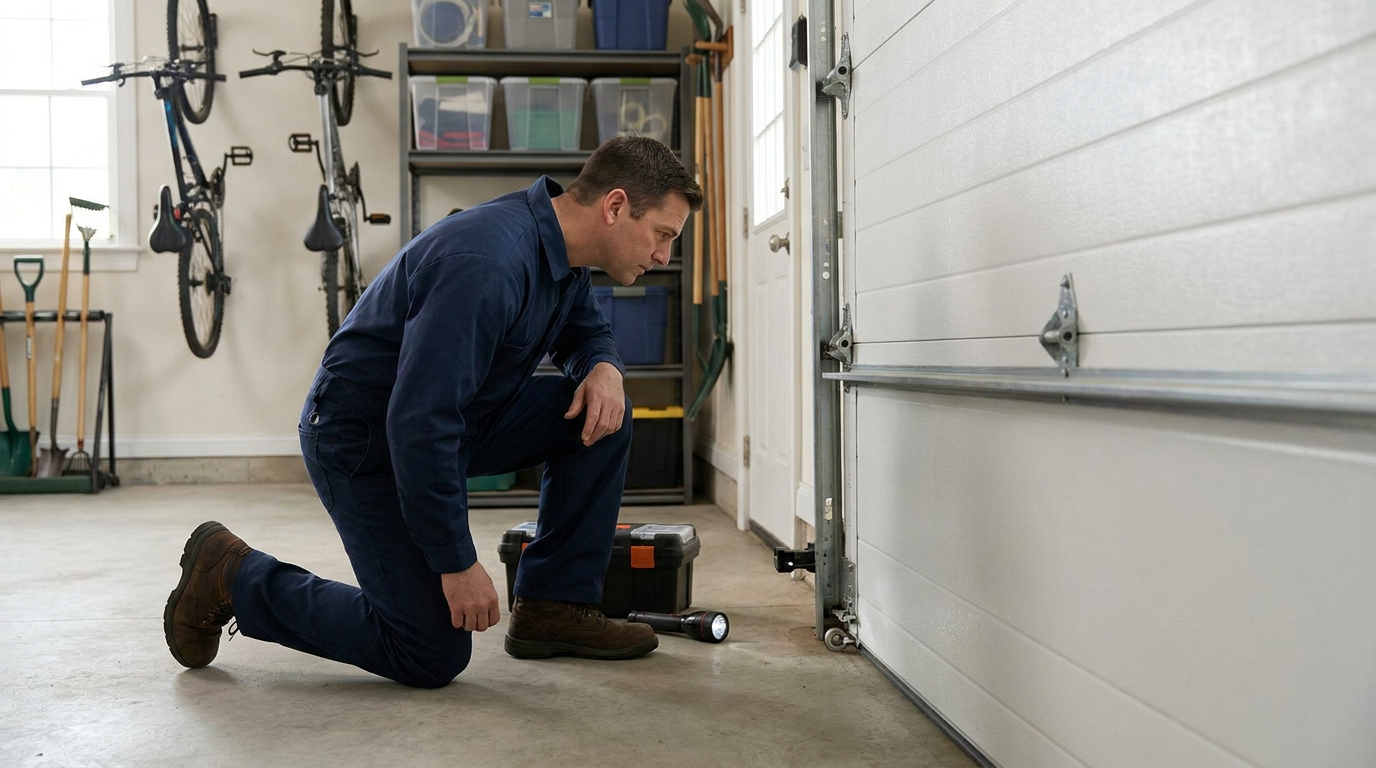
Head to the bottom of your door tracks and look at the two small sensors facing each other. Each one should have a light — typically one green and one amber, though colors vary by brand. Here is what to look for:
Both lights should be steadily lit. If one or both are off, or if a light is flickering, the sensors may be misaligned, dirty, or damaged. Gently wipe the lens of each sensor with a soft cloth. Make sure nothing is blocking the beam path — a cobweb, a stray leaf, or a displaced trash can is sometimes all it takes. Check that neither sensor has been bumped out of alignment. They should point directly at each other across the door opening.
If cleaning and realigning the sensors solves the problem, you have likely found your culprit. If the lights still will not stay solid, the issue may be in the sensor wiring or the sensors themselves, and that is a good time to call for a professional diagnosis.
For more detailed sensor and remote troubleshooting, take a look at our post on what to do when your garage door remote or keypad is not working.
Check the Wall Button
Press the wall-mounted button a few times. It should click firmly and spring back. If it feels mushy, sticks in the depressed position, or requires you to wiggle it to get a response, the button may be the source of phantom open signals. You do not need to do anything more than identify the problem — replacing a wall button is a quick repair a technician can handle.
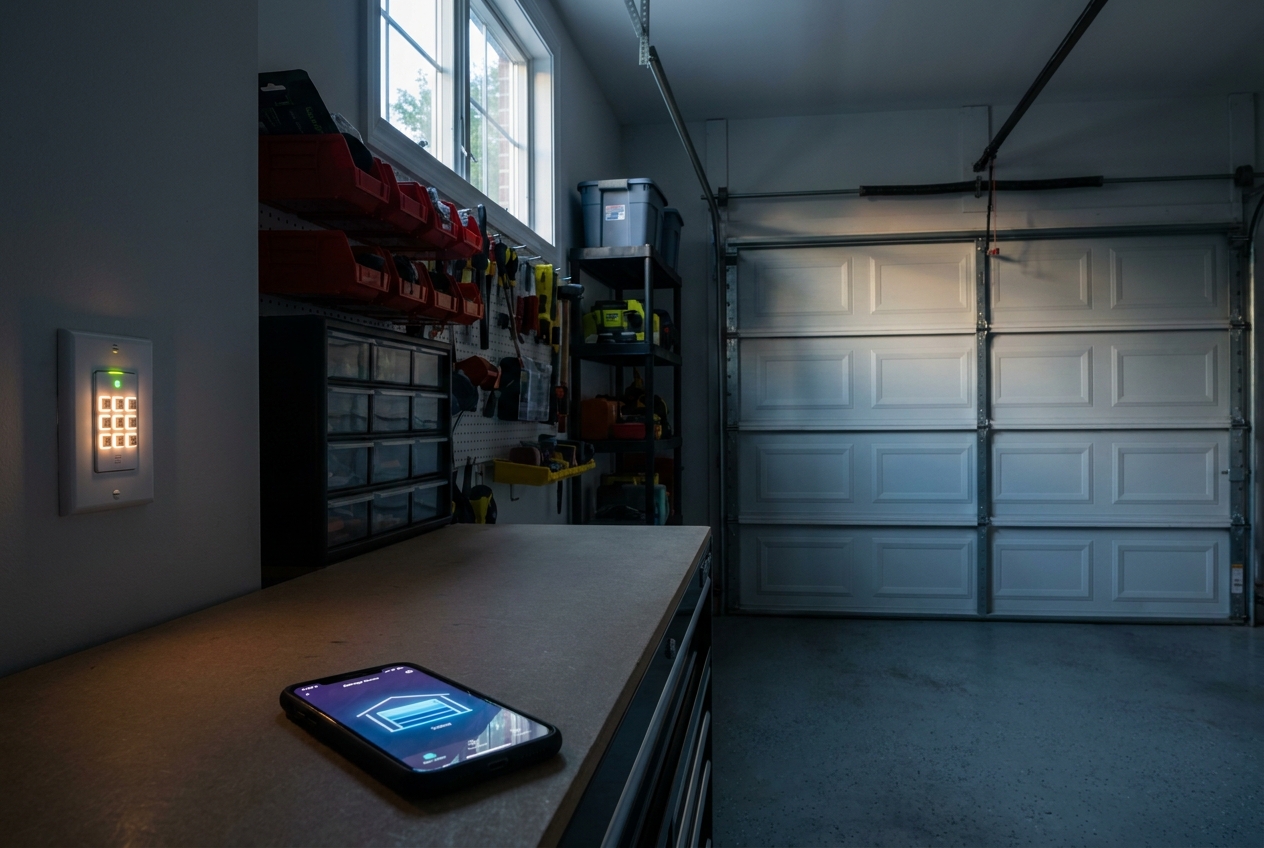
One helpful feature: many wall consoles include a lock button, often marked with a padlock icon. Pressing and holding this button disables all remote and keypad signals while still allowing the wall button to operate the door. If your door keeps opening on its own, activate this lock immediately. It is a great short-term security measure while you figure out the root cause.
Think About Recent App or Password Changes
If you use a smart opener with app control, take a moment to review who has access. Log in, check for unfamiliar devices, and change your password if there is any doubt. This simple step rules out unauthorized digital access and takes only a few minutes.
How Spring King Diagnoses the Problem
When we arrive at a home where the opener is acting on its own, we follow a systematic diagnostic order so we do not overlook anything.
First, we check the safety sensors thoroughly — alignment, cleanliness, wiring integrity, and signal strength. Sensor-related issues are one of the first things to rule out when a door reverses or reopens.
Second, we inspect the wall button and its wiring back to the opener for sticking contacts or intermittent shorts.
Third, we examine the full wiring path between the opener, sensors, and wall console. Shorts in this wiring can be tricky because they may only make contact when temperature or humidity changes, which is why the problem often seems random.
Fourth, we erase all programmed remotes and keypads from the opener's memory and then re-sync only the devices the homeowner actively uses. This completely eliminates the possibility that a stray remote — whether it belongs to a neighbor, a previous owner, or a forgotten spare in a junk drawer — is triggering the opener.
Fifth, if the homeowner uses an app like myQ, we recommend changing the app password and reviewing connected devices to make sure no one else has access.
Finally, if none of those steps resolve the issue, we evaluate the opener's logic board. A failing board is less common than the other causes, but when it is the culprit, the symptoms can be confusing because they mimic several other problems at once.
If your opener stopped working correctly after a recent power outage or storm, our guide on what to do when your opener is not working after a power outage covers additional steps that may apply to your situation.
Warning Signs That Point to a Bigger Issue
A few patterns can help you and your technician narrow down the cause faster.
If the problem started shortly after a thunderstorm or power surge, there is a strong possibility the logic board sustained damage. Storm-related electrical issues can affect opener electronics, so that timing is worth mentioning during the service call.
If one or both sensor indicator lights are flickering rather than holding steady, the issue is almost certainly sensor-related — either the sensors themselves, their wiring, or their alignment.
If the problem only happens at certain times of day or in certain weather conditions, think about wiring shorts. Temperature and moisture changes can cause marginal wiring connections to make or break contact intermittently.
Repair vs. Replacement
One of the first questions homeowners ask is whether they need a whole new opener. In most cases, the answer is no.
Sensor issues, wall button malfunctions, wiring shorts, and remote programming problems are often repairable. These are the kinds of issues a technician can diagnose before recommending a larger opener replacement.
The exception is the logic board. When the board is confirmed as the problem, the decision becomes a judgment call based on the age and condition of the opener. On newer units, replacing just the board usually makes sense. On an older opener, the cost of a new board can sometimes be close enough to the cost of replacing the entire unit that it is worth comparing both options. In that scenario, replacement may be the better long-term value.
Spring King can walk through both options so the homeowner understands the repair path before making a decision. If you would like to learn more about what a diagnosis involves, visit our garage door opener repair and service page for an overview of what we handle.
What to Do Tonight If You Are Worried About Security
If your door opened on its own today and you are reading this at night wondering whether it will happen again while you sleep, here is a practical plan you can follow right now.
Close the door using the wall button. Once it is fully down, unplug the opener's power cord from the ceiling outlet. With the opener unplugged, no signal — whether from a remote, a sensor glitch, or a wiring short — can trigger the motor. With the opener unplugged, remote or app signals cannot trigger the motor.
If your door has an internal slide-bolt or deadbolt lock, engage it. This physically locks the door to the track and prevents it from being lifted manually from outside.
If your wall console has a lock button, press and hold it to activate remote lockout mode. This is especially useful if you want to keep the opener plugged in for the courtesy light but disable all wireless signals until a technician can take a look.
These steps can help secure the door overnight without asking you to diagnose wiring or opener electronics. In the morning, you can call for a proper diagnosis.
A Word of Caution
We encourage homeowners to check sensors and wall buttons because those inspections are safe and simple. However, we do not recommend diagnosing or handling opener wiring unless you are genuinely familiar with how an opener is wired. Low-voltage wiring is generally not dangerous in the way household AC wiring is, but incorrect reconnections can damage the logic board or create new problems that complicate the eventual repair.
Also, resist the urge to press the button repeatedly to test whether the issue recurs. Running the opener many times in quick succession can overheat and even burn out the motor, turning a minor repair into a much larger one.
Serving Central Connecticut Homeowners
At Spring King Garage Doors, we help homeowners throughout Central Connecticut — from Middletown and the surrounding Middlesex County communities to towns across Hartford County and New Haven County — get to the bottom of opener issues like these. A door that opens by itself is more than an inconvenience; it is a security concern, and we treat it that way.
If you have worked through the safe checks above and the problem persists, or if you would simply rather have a professional handle it from the start, we are happy to help. Reach out to us to schedule a diagnosis, and we will walk through every possible cause until we find the right answer for your home.
Need garage door help in Connecticut?
Spring King serves Middletown and 30+ towns across Central CT. Fast response available.
Add Spring King as a Preferred Source on Google